

SnapValid uses API keys to authenticate requests to the Email Validation API. All API requests must include your API key.
Base URL
How to Get Your API Key
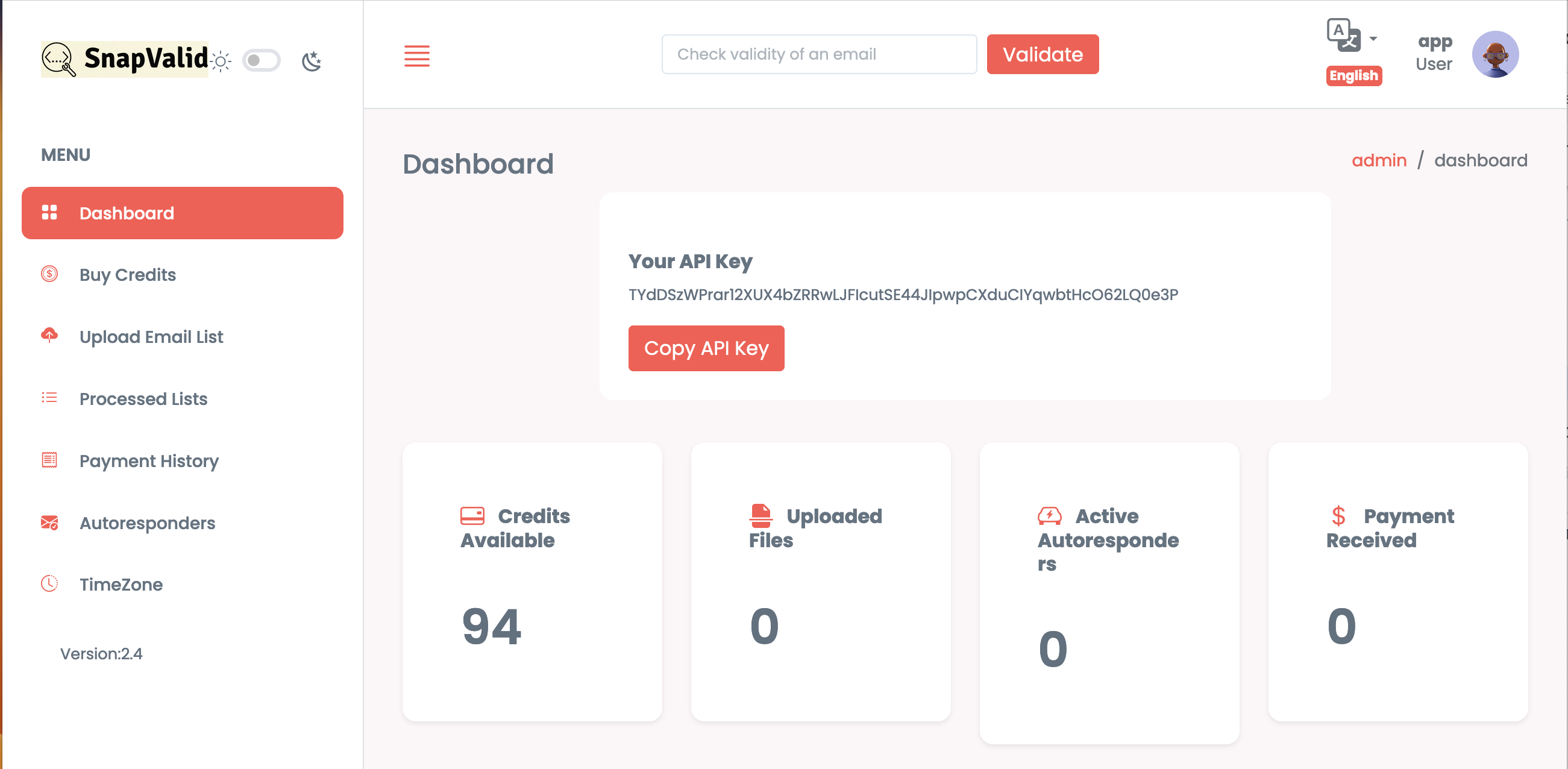
- Log in to your SnapValid dashboard
- Navigate to Dashboard → API
- Click Copy API Key
Keep your API key secure. Do not expose it in public repositories or frontend code.
Authentication
Authenticate your requests by including your API key as a query parameter.
Depending on the endpoint, the parameter may be:
apikey=YOUR_API_KEY
or
api_key=YOUR_API_KEY
⚠ Note: Parameter naming differs across some endpoints. Please follow the parameter format shown in each endpoint's documentation.
Quick Start Example
Validate a single email address:
<
curl -X GET "https://app.snapvalid.com/api/v1/verify?apikey=YOUR_API_KEY&email=[[email protected]](mailto:[email protected])">
🚧
You must replace your_api_key with your actual API key.
Example Response
  "email": "[[email protected]](mailto:[email protected])",
  "success": true,
  "result": "deliverable",
  "message": "This address can receive emails."
}
Best Practices
- Store API keys securely on your backend
- Never expose API keys in client-side JavaScript
- Handle 401 (Unauthorized) responses gracefully
- Monitor API usage to avoid rate limiting
- Replace YOUR_API_KEY with your actual API key before making requests